




You check your analytics and the numbers look fine. People are landing on your site, sometimes a lot of them. But the phone isn’t ringing, the contact form sits empty, and the “Book Now” button might as well not exist. If your website gets traffic but no customers, you’re not imagining it, and you’re not alone. It’s one of the most common problems Toronto small business owners run into, and almost always, it has nothing to do with your product.
It has to do with what happens in the first few seconds someone lands on your page, and what you ask them to do next.
What “Website Traffic But No Customers” Actually Means
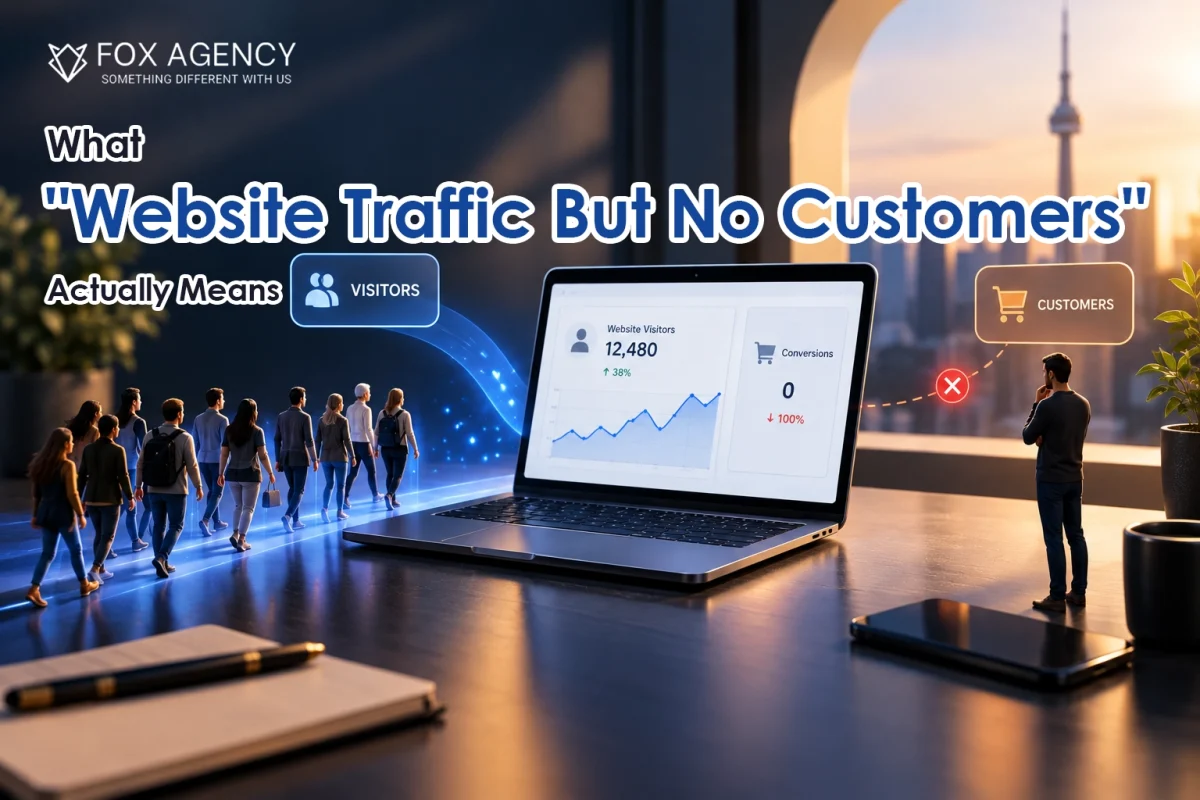
Traffic and conversion are two different jobs, and most websites are only built to do one of them. Traffic means someone found you through Google, an ad, a social post, or a friend’s recommendation. Conversion means that person did something that moves your business forward: called you, filled out a form, booked an appointment, or bought something.
A site can be excellent at the first job and terrible at the second. That’s the gap you’re feeling when your website has traffic but no customers. The visitor arrived interested enough to click, and then something on the page (the message, the layout, the missing next step) quietly talked them out of going further.
Why New Toronto Businesses Struggle to Convert
If you’ve been in business for years, small friction points barely register, because your reputation carries visitors past them. If you opened your business recently, or you’re still building trust in a new market, you don’t have that cushion. Toronto customers also have plenty of choice: someone searching for a service “near me” or “in North York” will usually open several options and compare them within minutes. Every unclear sentence or missing detail is one more reason for a hesitant visitor to leave and choose a business that already feels familiar.
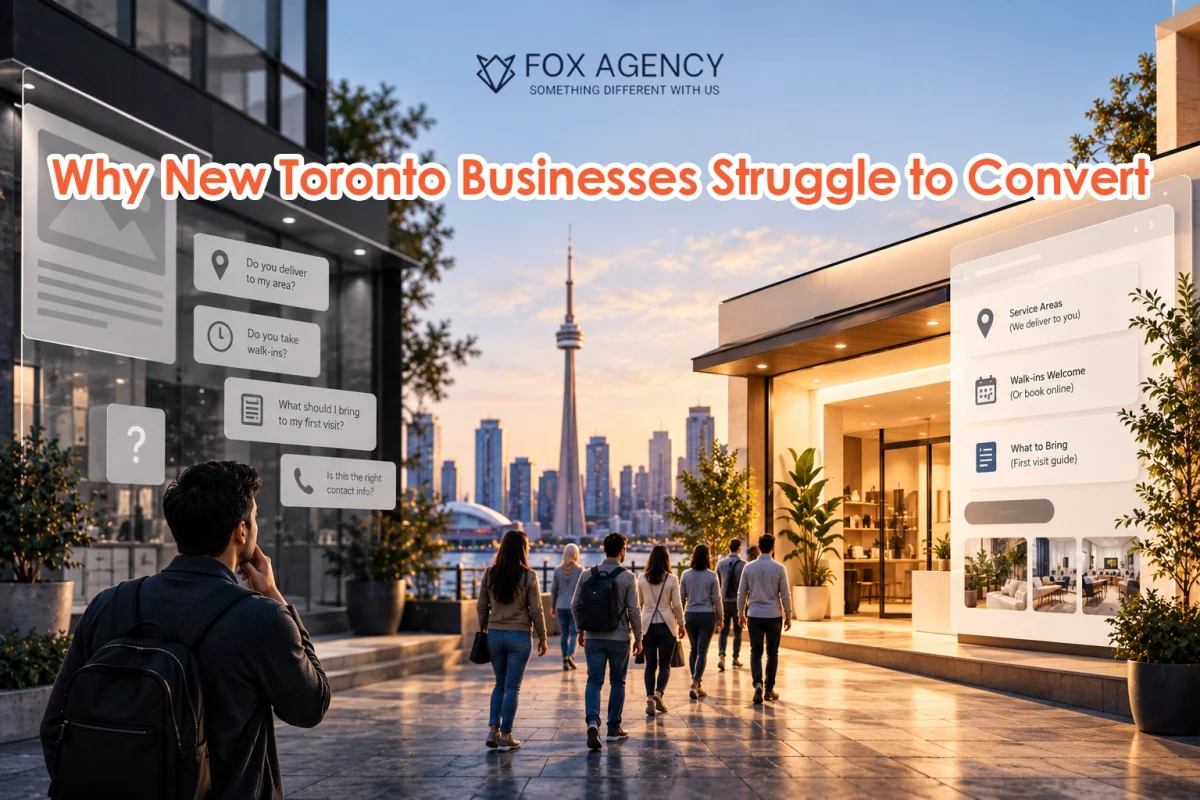
This shows up in specific ways: a homepage that explains your services the way you’d describe them to family back home, rather than the way a Toronto customer expects to read them. Contact information that’s slightly different on your website, your Google Business Profile, and your social media. No mention of which languages you serve customers in. A design that looks fine but doesn’t answer the practical questions (“Do you deliver to my area?”, “Do you take walk-ins?”, “What should I bring to my first visit?”) that a new customer needs answered before they’ll trust you with their money.
None of this means your product or service is weaker than the competitor a customer chose instead. It usually means the competitor’s website simply removed more doubt, faster, than yours did. We cover the search side of this in our guide to SEO for immigrant-owned businesses in Toronto, but the first step is making sure the visitors you already have can trust what they see.
The 7-Second Test: What Visitors Decide Before They Read Anything
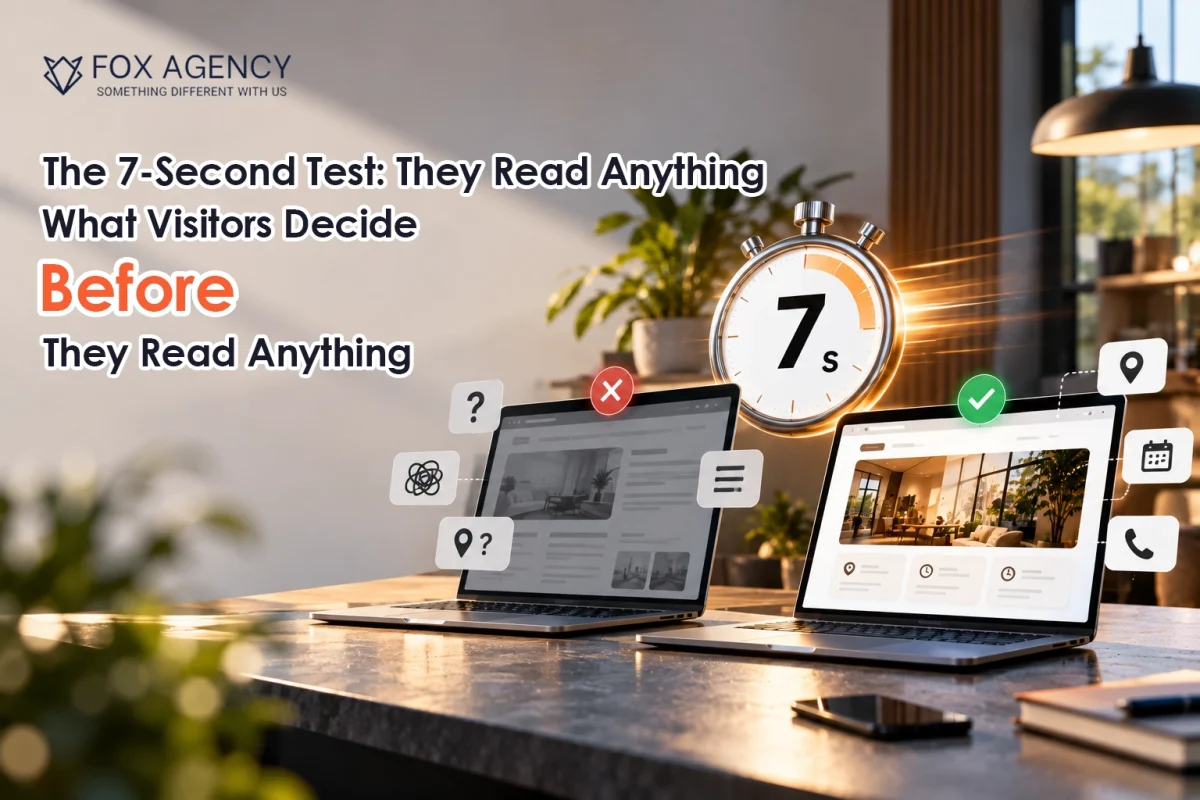
Research on first impressions suggests that people form a judgment about a website’s visual appeal almost instantly, and that this early impression can shape how trustworthy and usable they assume the rest of the site will be. The pattern is discussed in peer-reviewed usability research on webpage credibility. In practice, many visitors decide whether to stay or leave before they’ve read a single sentence, and that snap judgment is hard to undo later in the visit, even if the content further down the page is strong.
Here’s a simple way to check where you stand: show your homepage to someone who has never seen it for seven seconds, then take it away and ask three questions. What do they sell? Who is it for? What should I do next? If they hesitate on any of these, a real visitor hesitates too, except a real visitor doesn’t ask you for help. They just leave.
Not sure how your homepage would score? You can request a website conversion review and we’ll tell you what a first-time visitor actually sees.
6 Reasons Your Website Gets Traffic But No Customers
Most of the time, the gap between traffic and customers comes down to one of a handful of repeat offenders. Here are the six we see most often when we review a site that has decent traffic but disappointing results.
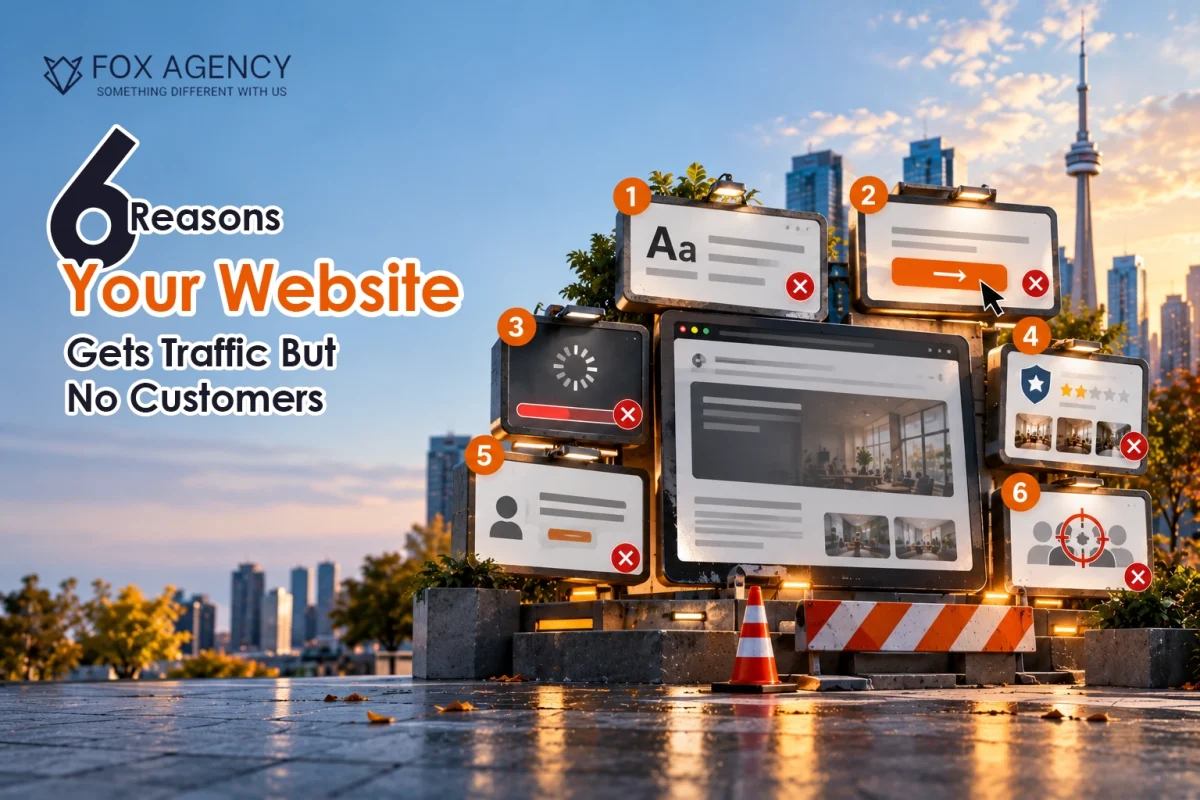
1. Your Headline Doesn’t Say What You Actually Do
“Quality service since 2010” and “Your trusted partner” say nothing a visitor can use. A headline should answer, in plain language, what you do, who it’s for, and ideally where. “Same-Day Furnace Repair in North York” beats “Your Comfort Experts” every time, because it lets a stressed, cold customer know instantly they’re in the right place.
2. There’s No Clear Next Step
If a visitor has to hunt for how to contact you, most won’t bother. Every page should have one obvious action (call, book, or message), repeated near the top and again at the bottom, not buried in a footer menu.
3. The Site Is Slow, Especially on Mobile
A large share of your visitors are on their phones, often on the move or between appointments. A page that takes several seconds to load loses people before they see your content at all. Google’s own guidance on Core Web Vitals explains the loading and responsiveness thresholds sites should aim for, and it’s worth running your own site through a speed test to see where you land.
4. Nothing on the Page Signals Trust
Real photos of your space, your team, or your work do more than any paragraph of text. So do reviews, and so does information that matches exactly across your website, Google Business Profile, and social media. For local searches, your Google Business Profile is often the first thing a customer sees, so a visitor who spots one inconsistency between it and your website starts wondering what else might not be accurate.
5. You’re Talking About Yourself Instead of the Visitor
Many small business websites describe the business (history, mission, credentials) before addressing what the visitor actually came to figure out: can this business solve my specific problem, right now, near me? Lead with that, and let the rest follow.
6. The Site Attracts the Wrong Kind of Visitor
Sometimes traffic looks healthy but isn’t the right traffic. If your content, ads, or SEO keywords are pulling in people outside your service area, outside your price range, or looking for something slightly different than what you offer, no amount of design polish will convert them, because they were never going to buy from you. Check your analytics for where visitors are coming from and what they searched to get there; if the two don’t match what you actually sell, the fix is in your SEO targeting, not your homepage design.
How to Fix It: A Practical Conversion Checklist
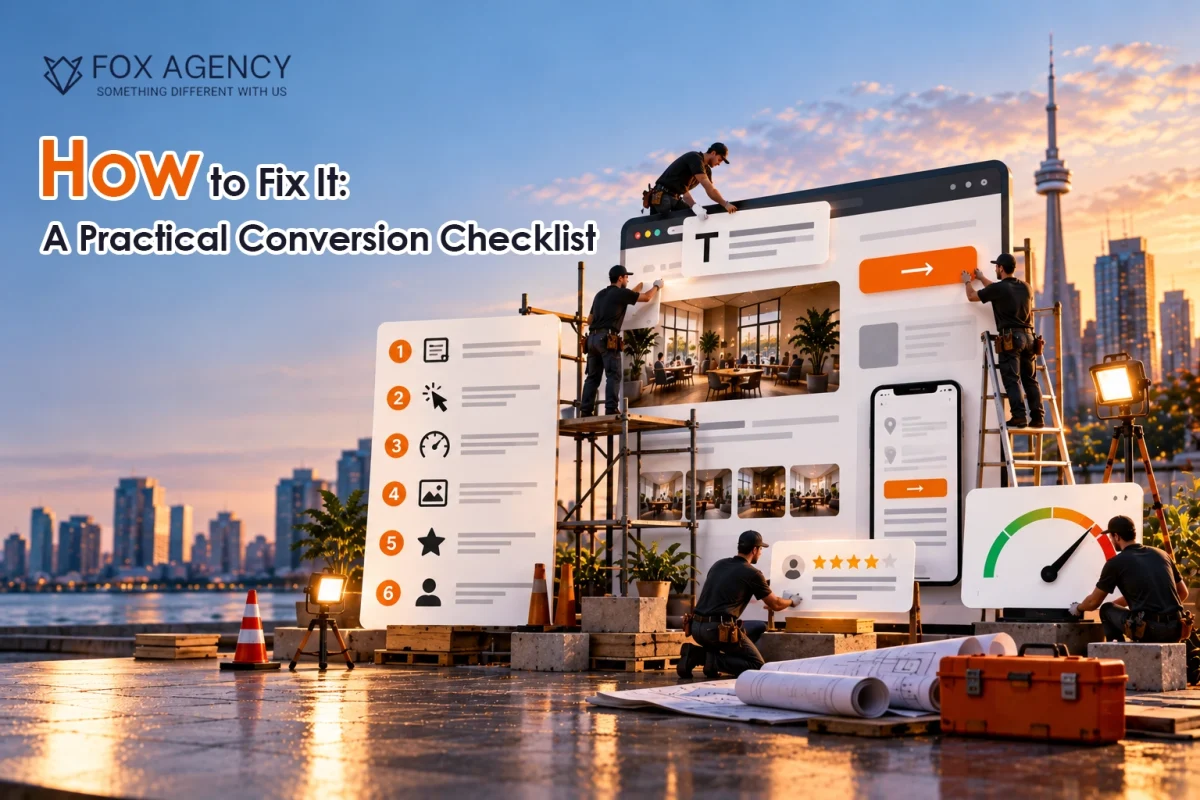
You don’t need to rebuild your whole site to close this gap. Start here:
- Rewrite your homepage headline so it names what you do, who it’s for, and where, in one sentence.
- Put one clear call to action near the top of every page, and repeat it at the bottom.
- Test your load speed and fix anything flagged as a major issue, especially on mobile.
- Replace at least five weak photos with real, recent ones of your business.
- Add three real reviews directly on your homepage or service page, not just on Google.
- Read every page out loud and cut anything that sounds like it’s talking about you instead of to the visitor.
Each of these takes an afternoon, and together they close most of the gap between traffic and actual customers. Work through them in order. A faster page with a still-unclear headline won’t convert much better than a slow one, because speed only matters once the message is worth waiting for. If your site needs more than quick fixes, our complete guide to building a business website walks through getting the whole structure right from the start.
A Real Example: What Changes When This Gets Fixed

We’ve seen this pattern play out directly with clients. A restaurant we worked with in Florida had steady foot traffic and social media followers, but its website still struggled to turn visitors into reservations. The booking link sat three clicks deep, and the site never mentioned delivery areas. Once the homepage led with a single clear action and answered the questions customers were already asking by phone, calls and bookings picked up without any change in traffic. The city is different, but the behaviour is the same: a hungry customer in Toronto or Florida wants the next step to be obvious.
You can see how this played out in our website design for Sara’s Kebab House and in our other case studies. The fix is rarely about getting more visitors. It’s about giving the ones you already have a reason to stay.
What Not to Do

A few common instincts make this worse, not better:
- Adding more pages before fixing the homepage. If the homepage doesn’t convert, more content just gives visitors more places to get confused.
- Chasing more traffic to compensate. More visitors hitting the same broken funnel just means more people leaving unconvinced.
- Copying a competitor’s site structure. What works for their audience and trust level may not translate to yours, especially if you’re newer to the market.
- Treating this as a one-time fix. Revisit your headline, your load speed, and your reviews every few months, not just once at launch.
How to Turn Website Visitors Into Customers

A website that gets traffic but no customers isn’t a traffic problem. It’s a trust and clarity problem, and both are fixable without starting over. Say clearly what you do, give visitors one obvious next step, load fast, and show real proof that you’re legitimate.
If you’d like a second pair of eyes on why your own site isn’t converting, explore our website design and SEO services and get in touch. We’re happy to help.
Frequently Asked Questions
Why does my website get visitors but no customers even with good SEO?
SEO brings people to your site; it doesn’t make them stay or trust you once they arrive. Good rankings and a weak homepage message can absolutely coexist, and fixing the message is usually faster than fixing the rankings.
How long does it take to fix a low-converting website?
The checklist above — headline, calls to action, speed, photos, reviews — can realistically be done within a week or two. You’ll typically start noticing a difference in inquiries within a month, though it varies by industry and how much traffic you already get.
Is this a design problem or a content problem?
Usually both, though content is the more common culprit. A beautifully designed site with a vague headline converts worse than a plain site that clearly states what it does and how to get in touch.
Should I hire someone or fix this myself?
The checklist items are things most business owners can tackle themselves in a weekend. Where it’s worth bringing in help is when the underlying structure of the site — navigation, mobile performance, technical speed issues — needs rebuilding rather than editing.